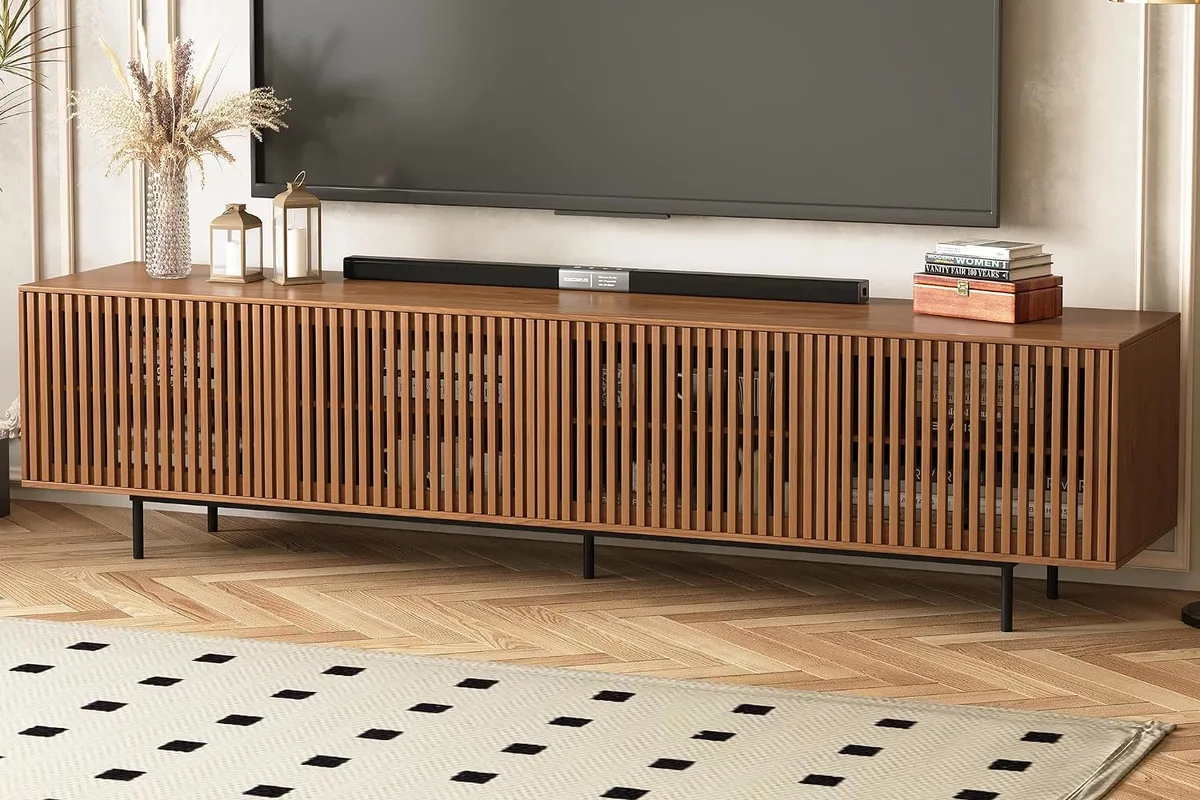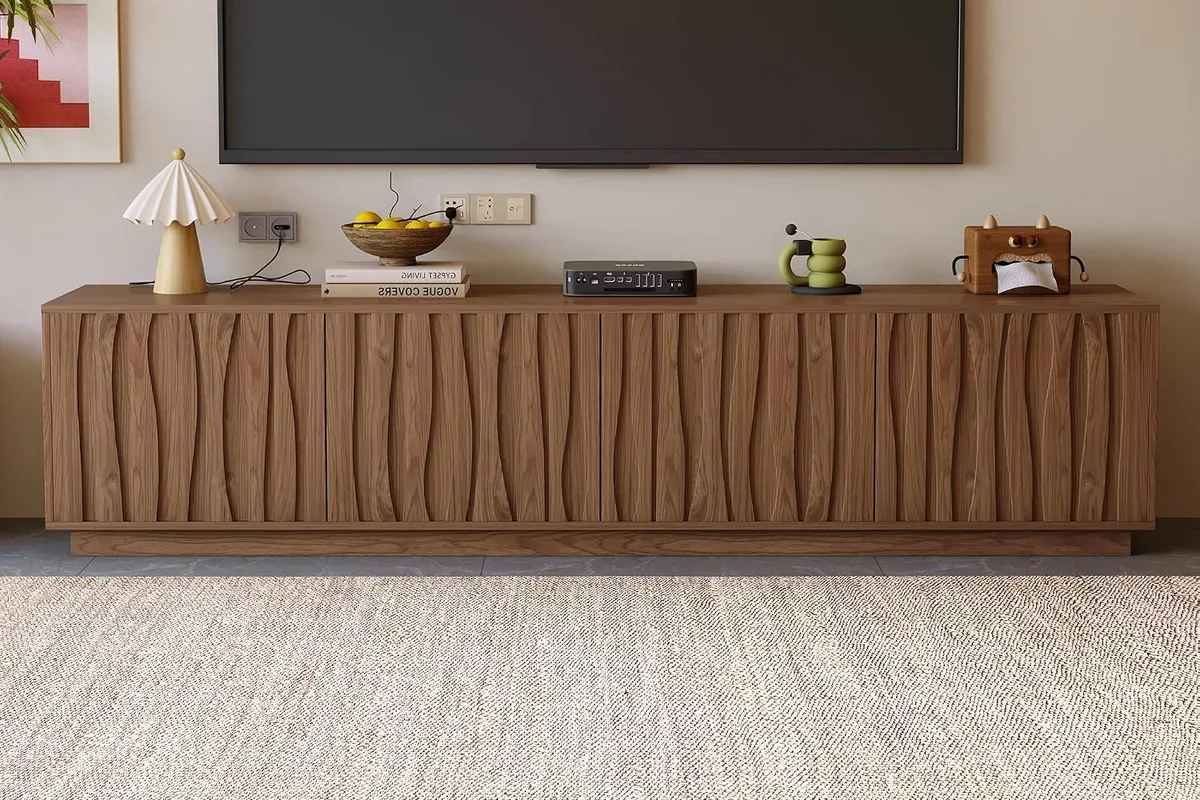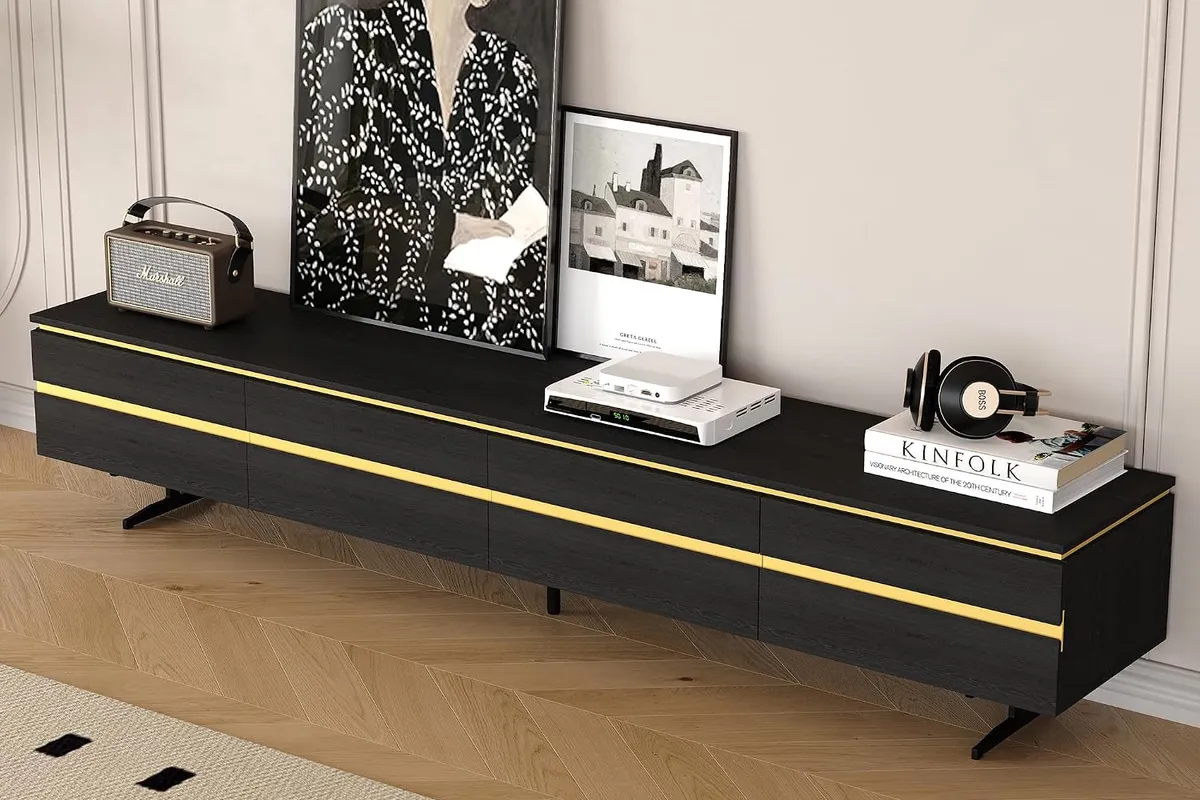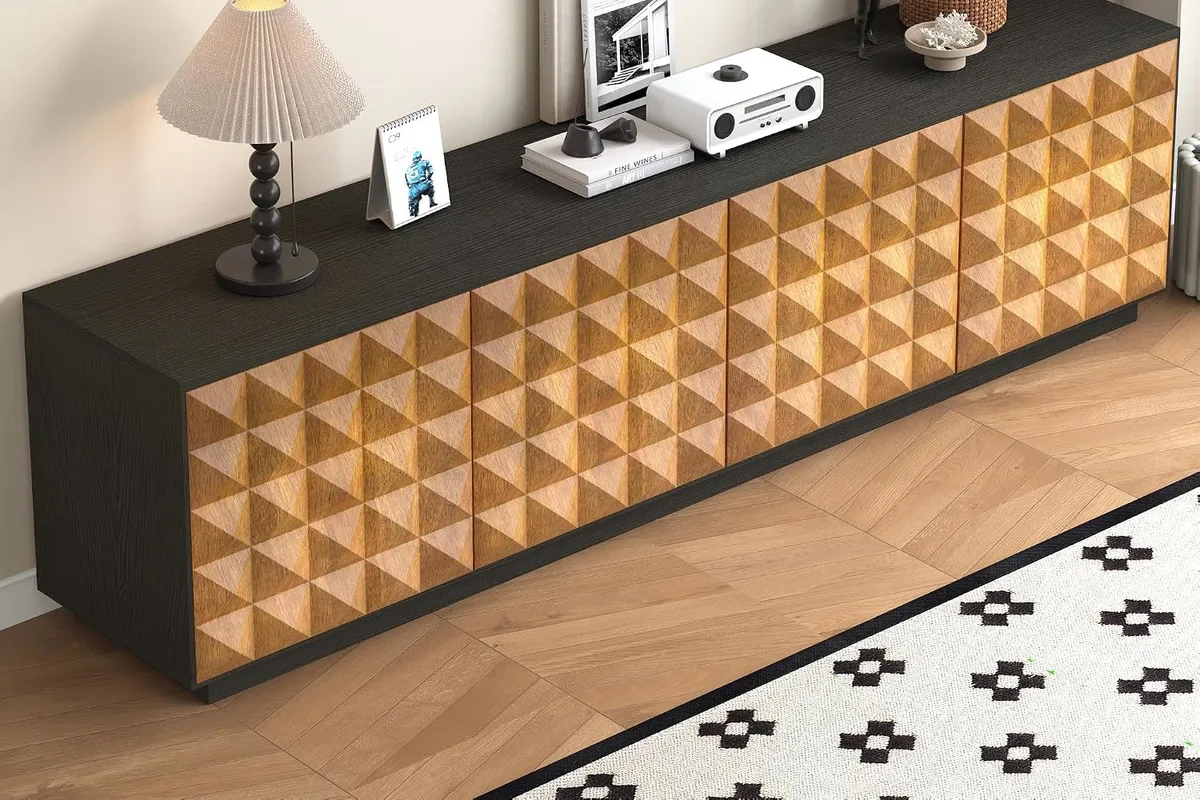
The short answer
- Width: the stand should be at least as wide as the TV itself, not its diagonal. A 75" TV is about 65" wide; an 85" TV is about 74" wide.
- Height: aim for the middle of the screen about 30" above your sofa seat. With a typical 18" seat, that is roughly 48" from the floor.
- Distance: sit about 1.2 to 1.6 times the screen diagonal away. For a 75" TV, that is roughly 7.5 to 10 feet.
- Doors: choose them for how you live. Slats for gear that runs warm, push-to-open for a clean front, a bold pattern if the stand is the art.
1. Start with the TV's real width, not its diagonal
A TV is sold by its diagonal, but furniture is chosen by width. On a standard 16:9 screen, the width is about 87% of the diagonal. That is why an 85" TV "fits" on a stand that is only a little wider than 74".
My rule: the stand should be at least as wide as the screen. A few inches of wood showing on each side is what makes the setup look intentional instead of balanced on a shelf.
| TV size | Screen width | Screen height | Stands in this guide that are wide enough |
|---|---|---|---|
| 65" | about 56.7" | about 31.9" | All four |
| 75" | about 65.4" | about 36.8" | All four (the 78" console leaves about 6" each side) |
| 85" | about 74.1" | about 41.7" | The 86", 86.6" and 88" stands |
Widths and heights are calculated from the 16:9 screen ratio. Your TV's spec sheet adds the frame and the stand, so always check it.
The check almost everyone skips: the TV's feet. Many large TVs stand on two feet placed near the outer edges. Measure from the outside of one foot to the outside of the other and make sure the stand's top is wider than that, with a little margin.
2. Get the height right for your sofa
A widely used living room guideline puts the center of the TV about 30" above the lowest seat in the room[2]. Your neck should look straight ahead, not up.
Here is the math for a 75" TV with a sofa seat around 18" high: the target center is about 48" from the floor. The screen is about 36.8" tall, so its bottom edge should sit near 30". On a stand that is about 26" tall, the TV's own feet bring it close to that mark.
Lower consoles, around 21", suit low, deep lounge sofas, where you sit further back and lower. If you mount the TV on the wall, the same 30" rule applies, and the stand only needs to hold your devices.
3. Check the viewing distance before you size up
Two well-known references give a useful range. The "SMPTE 30" guideline works out to about 1.6 times the diagonal, and THX recommends a closer, more cinematic seat at about 1.2 times the diagonal[1].
| TV size | Closer, cinema feel (1.2×) | Relaxed (1.6×) |
|---|---|---|
| 65" | about 6.5 ft | about 8.8 ft |
| 75" | about 7.5 ft | about 10.2 ft |
| 85" | about 8.5 ft | about 11.5 ft |
If your sofa is closer than the first column, a bigger TV will feel overwhelming, and a bigger stand will too. In that case, a 75" on a 78" console is often the better-looking choice.
4. Let the doors do the styling
Open shelves look great in photos and messy in real life. Closed doors hide routers, game consoles and cables, and they are where the stand gets its personality:
- Vertical slats bring rhythm and let air move around devices that run warm.
- Push-to-open fronts remove handles completely, so the stand reads as one calm block.
- 3D or geometric patterns turn the stand into the art piece. Keep the wall above it simple.
- Black with a thin metal line grounds a light room and makes a dark TV screen look less like a hole in the wall.
Before you buy, measure your deepest device and add a couple of inches for the plug at the back. Compare that with the inside depth of the cabinet, not the outside depth.
5. Style the top in three moves
- One tall thing at one end: a lamp, a vase with branches or a leaning frame.
- One low group at the other end: two or three books with a small object on top.
- Leave the space in front of the TV feet clear, especially if a soundbar will sit there.
That is it. Three or four objects in total keep a long console from looking cluttered.